Xrm Tools 1.5.9 – Introducing Dataverse Explorer
Xrm Tools 1.5.9 introduces Dataverse Explorer, a new Visual Studio tool window that lets developers explore assemblies, plugins, steps, images, and Custom APIs directly from their Dataverse environment. Navigate metadata, inspect properties, and jump to code without leaving Visual Studio.
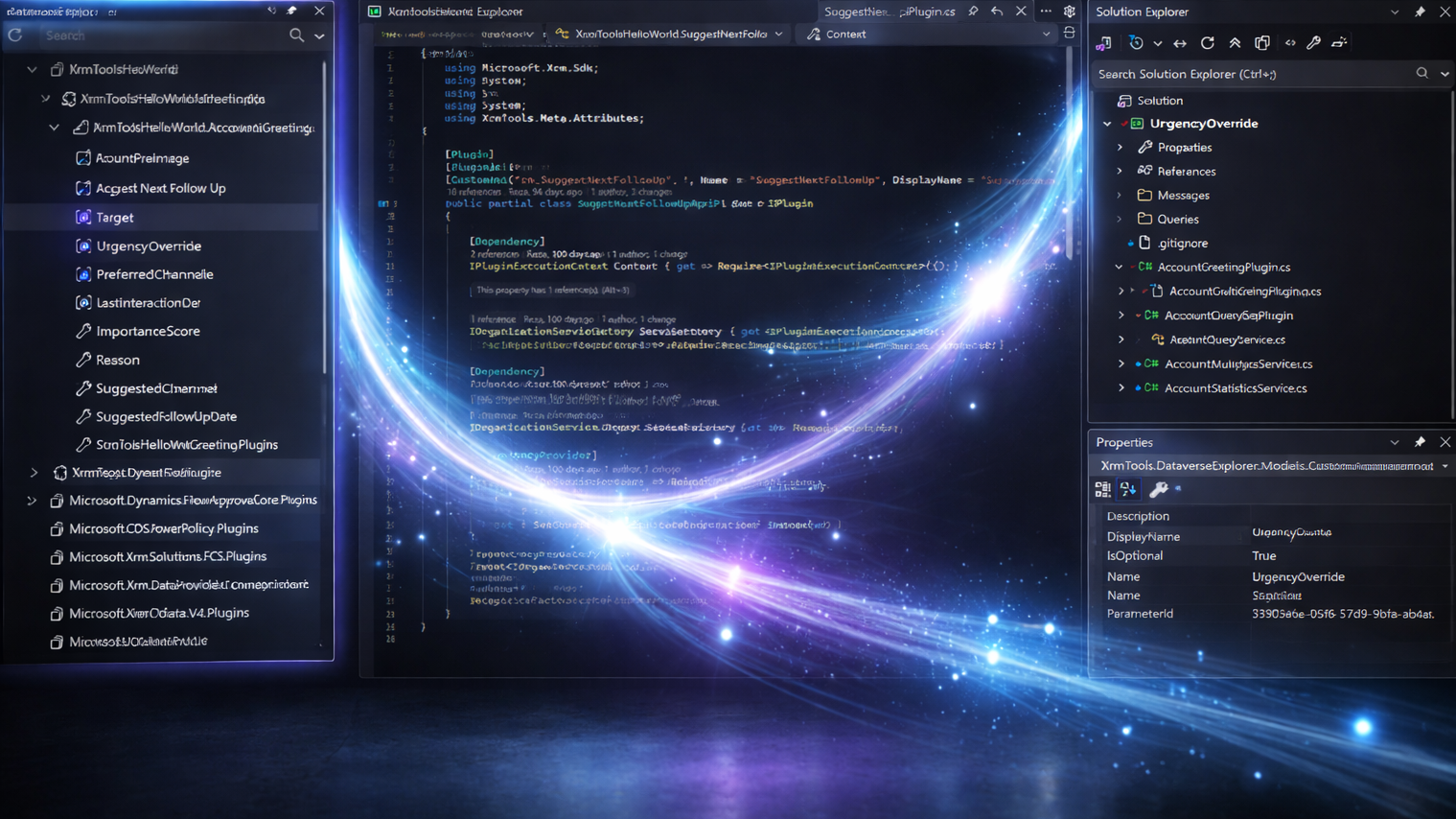
When developing plugins or Custom APIs for Dataverse, developers often find themselves switching between multiple tools just to answer simple questions:
- Which assembly contains this plugin?
- Is this step actually registered in the environment?
- What parameters does this Custom API expose?
The information exists in Dataverse, but accessing it usually means leaving Visual Studio and navigating through other tools or portals.
The goal of Dataverse Explorer is simple: give developers a clear and convenient view of what actually exists in their Dataverse environment without constantly switching tools or browsing the solution from the file system.
Meet Dataverse Explorer
With Dataverse Explorer, developers can now see key Dataverse components directly within Visual Studio. The explorer displays:
- Assemblies and packages
- Plugins
- Plugin steps
- Plugin images
- Custom APIs
- Input parameters
- Output properties
This makes it much easier to understand how your environment is structured and what is currently deployed.
Integrated with the Visual Studio experience
A big focus for this feature was making sure it feels native to Visual Studio rather than an external add-on.
When you select a node in the Dataverse Explorer:
- Its properties are displayed in the Visual Studio Properties window
- If the current solution contains the corresponding assembly, plugin, or Custom API, the relevant file is automatically opened in the preview tab
This allows you to quickly move from Dataverse metadata to the actual code in your solution.
The behavior can also be customized through the Visual Studio Options, so you can tailor the experience to your workflow.
See it in action
Here is a short video demonstrating Dataverse Explorer and how it works inside Visual Studio.
How Dataverse Explorer can help
There are several scenarios where Dataverse Explorer can be particularly useful.
Exploring and learning an environment
When working with a new or unfamiliar environment, it can take time to understand what has been deployed.
Dataverse Explorer provides a quick overview of the deployed architecture, making it easier to explore:
- which assemblies exist
- which plugins they contain
- what steps are registered
- which Custom APIs are available
This can be very helpful when learning a system or investigating how something works.
Verifying deployments
Another common task during development is verifying that a deployment actually produced the expected result.
Dataverse Explorer makes it easy to confirm
- whether an assembly was deployed
- which plugins were discovered
- which steps and images are registered
- how Custom APIs and their parameters are defined
This helps quickly validate that everything was deployed correctly.
Navigating from the Dataverse perspective
Developers usually navigate projects from the file system perspective using Solution Explorer.
Dataverse Explorer provides a Dataverse perspective instead, allowing you to start from what exists in the environment and quickly navigate to the corresponding code in your solution.
Built with performance and UX in mind
While developing this feature, I spent quite a bit of time making sure the experience feels fast and natural inside Visual Studio.
That includes:
- respecting the current Visual Studio theme
- making navigation responsive and smooth
- ensuring the explorer loads and refreshes efficiently
As developers, we all have high expectations for the tools we use every day, and I wanted Dataverse Explorer to feel like a natural extension of the IDE.
What’s next
Dataverse Explorer is just the beginning.
In future versions, I might expand it with additional Dataverse entities such as: Entities (tables), Fields (columns) and Relationships.
I’m also considering adding context menus and commands for common operations directly from the explorer.
Your feedback matters
I would love to hear from other Power Platform developers.
What would you like to see next in Dataverse Explorer?
- Additional entities?
- New navigation features?
- Shortcuts / context menus for common tasks?
Versions
- Xrm Tools: 1.5.9
- XrmTools.Meta.Attributes: 1.1.1
This release is a big step toward making Power Platform plugin development more forgiving, more guided, and more enjoyable — especially for people who are just getting started.
As always, feedback is welcome and if you’re enjoying Xrm Tools, please:
- Leave a 5-star rating on the Visual Studio Marketplace ⭐⭐⭐⭐⭐
- Star the GitHub repository ⭐
Your support helps more developers discover the tool ❤️