Unregister Dataverse plugins without leaving Visual Studio
Unregistering Dataverse plugins shouldn’t be painful. With Xrm Tools v1.5.6, you can now unregister an entire plugin assembly or package directly from Visual Studio with a single click. No extra tools, no leftovers, just a clean and reliable unregister.
Xrm Tools has come a long way, but that doesn’t mean I’m done with it. Far from it.
I still remember the original motivation that pushed me to start this project. It was that familiar engineering itch. You know the feeling: there has to be a better way. I simply didn’t want to jump between several tools just to deploy plugins from Visual Studio. As .NET developers, we have high expectations. For example, you expect deployment to be a single click, just like with web apps.
I’ll admit there were days when I seriously questioned why I put myself through this pain. I clearly remember one part of Xrm Tools that I implemented in four different ways, burning several weeks, only to realize there was a much better approach… which required a rewrite. If that ever happens to you, you probably know the feeling. At least I tell myself that’s a sign you’re onto something good.
Recently, while recording walkthrough videos for Xrm Tools, I realized something was missing: there was no way to unregister plugins directly from Visual Studio. Even worse, if you open the Plugin Registration Tool to unregister an assembly or package and there’s even a single Custom API or step inside it, you’re basically stuck. There’s no way.
That’s when I knew it was time for a new feature.
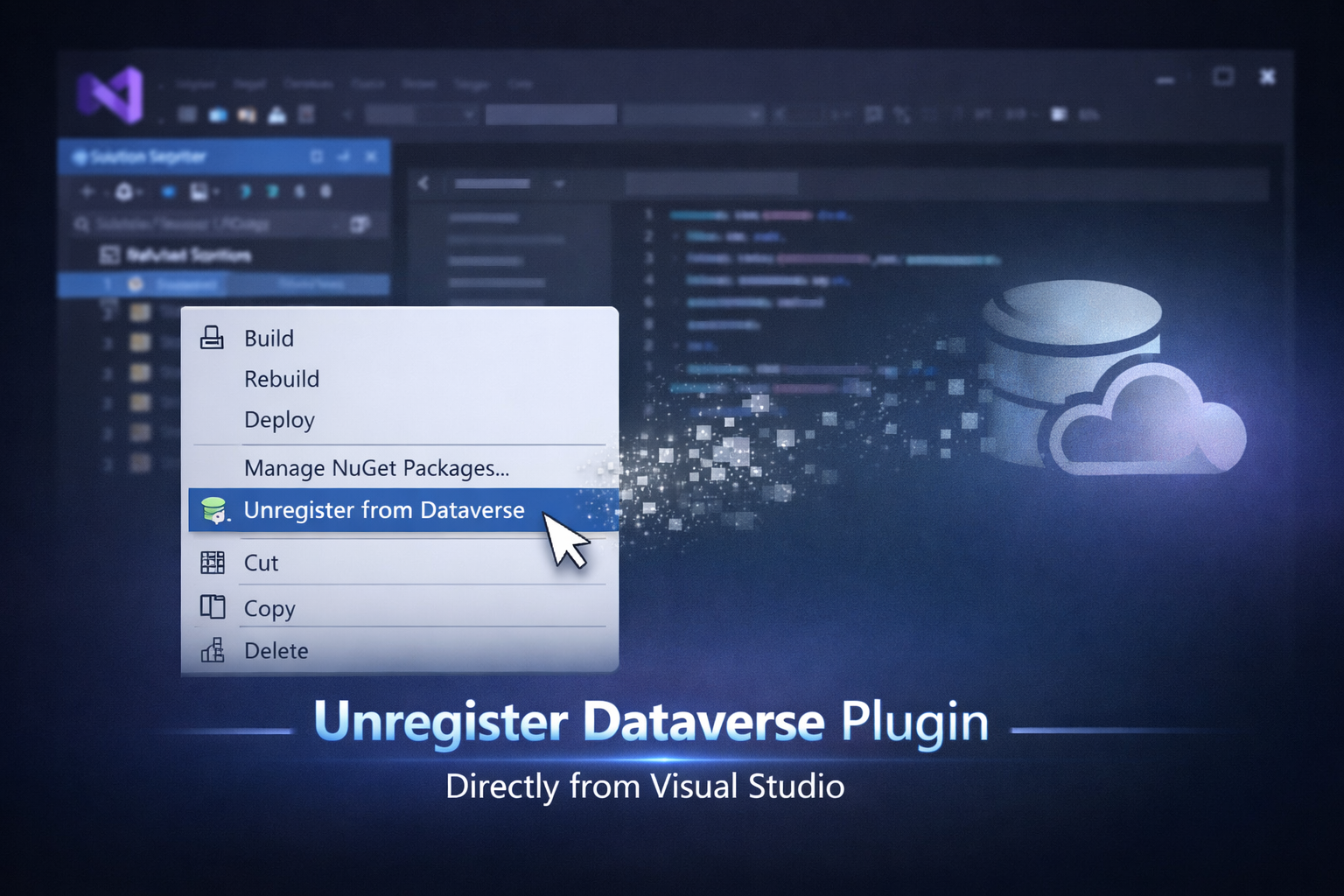
Now you can simply right-click your project in Solution Explorer, right inside Visual Studio, and select “Unregister from Dataverse.”
Unregistering a plugin assembly in Visual Studio
You no longer need to worry about plugin steps, images, Custom APIs, or anything else. Xrm Tools will locate your assembly or package along with all its dependencies and take care of everything reliably, all in a single transaction. That means if anything goes wrong at any point, whether in Power Platform or due to a network issue, everything is rolled back safely, just like during plugin registration.
Make sure to update to the latest version of Xrm Tools, v1.5.6. And as always, if you’re enjoying Xrm Tools, a 5-star rating on the Visual Studio Marketplace helps others discover it. You can also star the project on GitHub:
https://github.com/rezanid/xrmtools